Ask Callie




Semester Strategy Pro
See which weeks are heaviest before they arrive. CalenDue finds the exam clusters in your term and suggests when to start each one, then reserves study blocks on your calendar if you want them.
Upload your course outlines. CalenDue finds every assignment, quiz and exam and adds them to Google Calendar or Apple Calendar. Then ask Callie about your courses, and she answers from the same pages.
10 days free, starting with your first upload. No card needed. See pricing
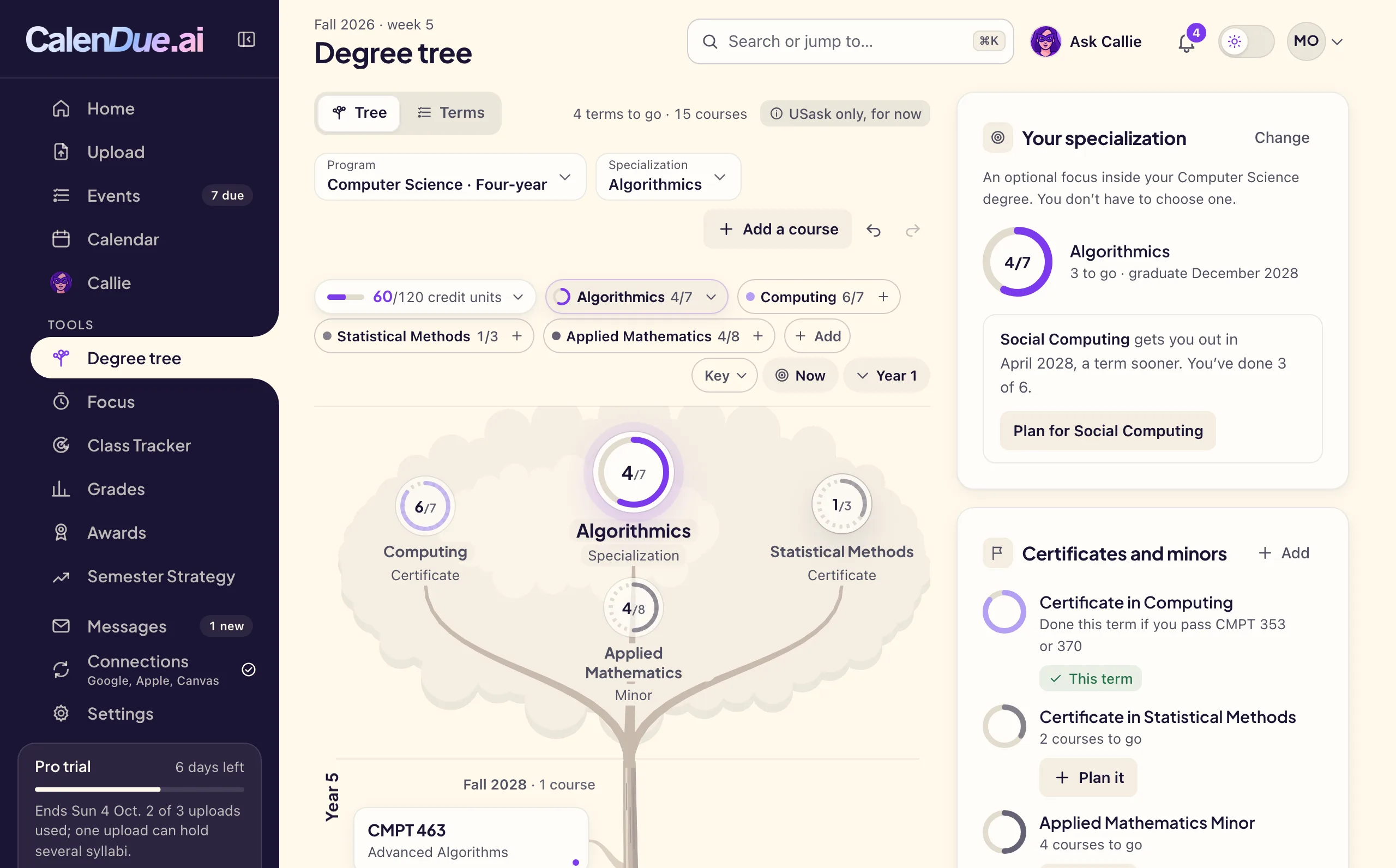
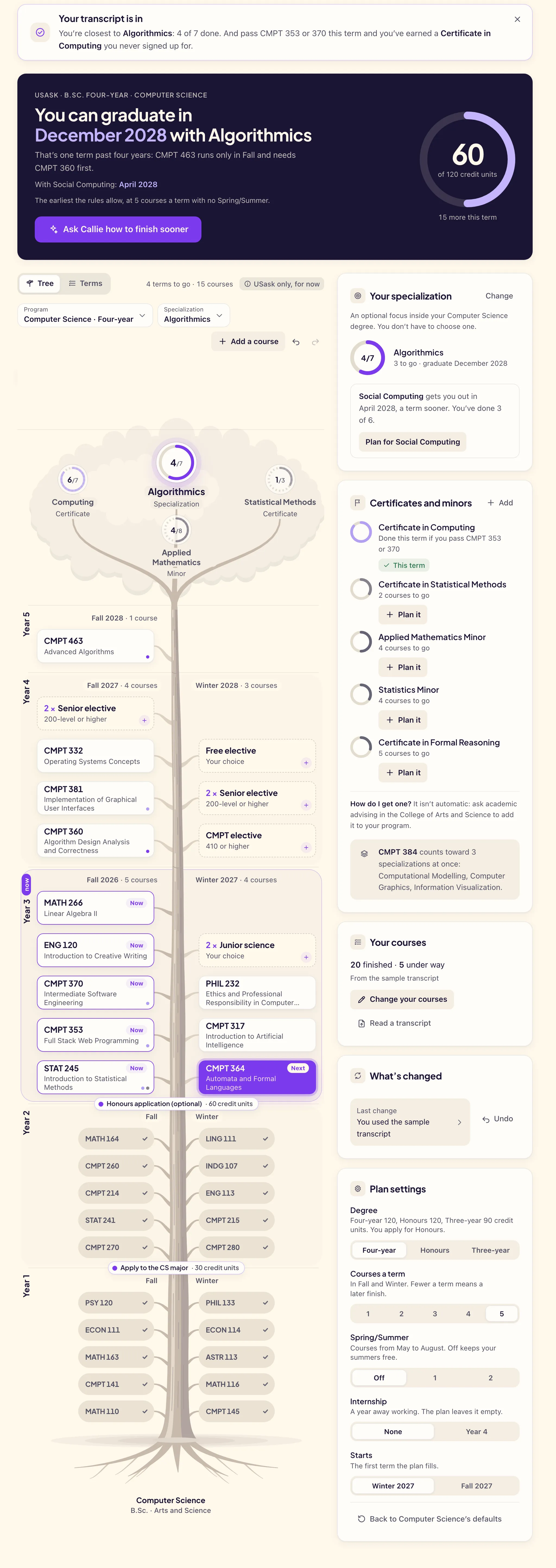
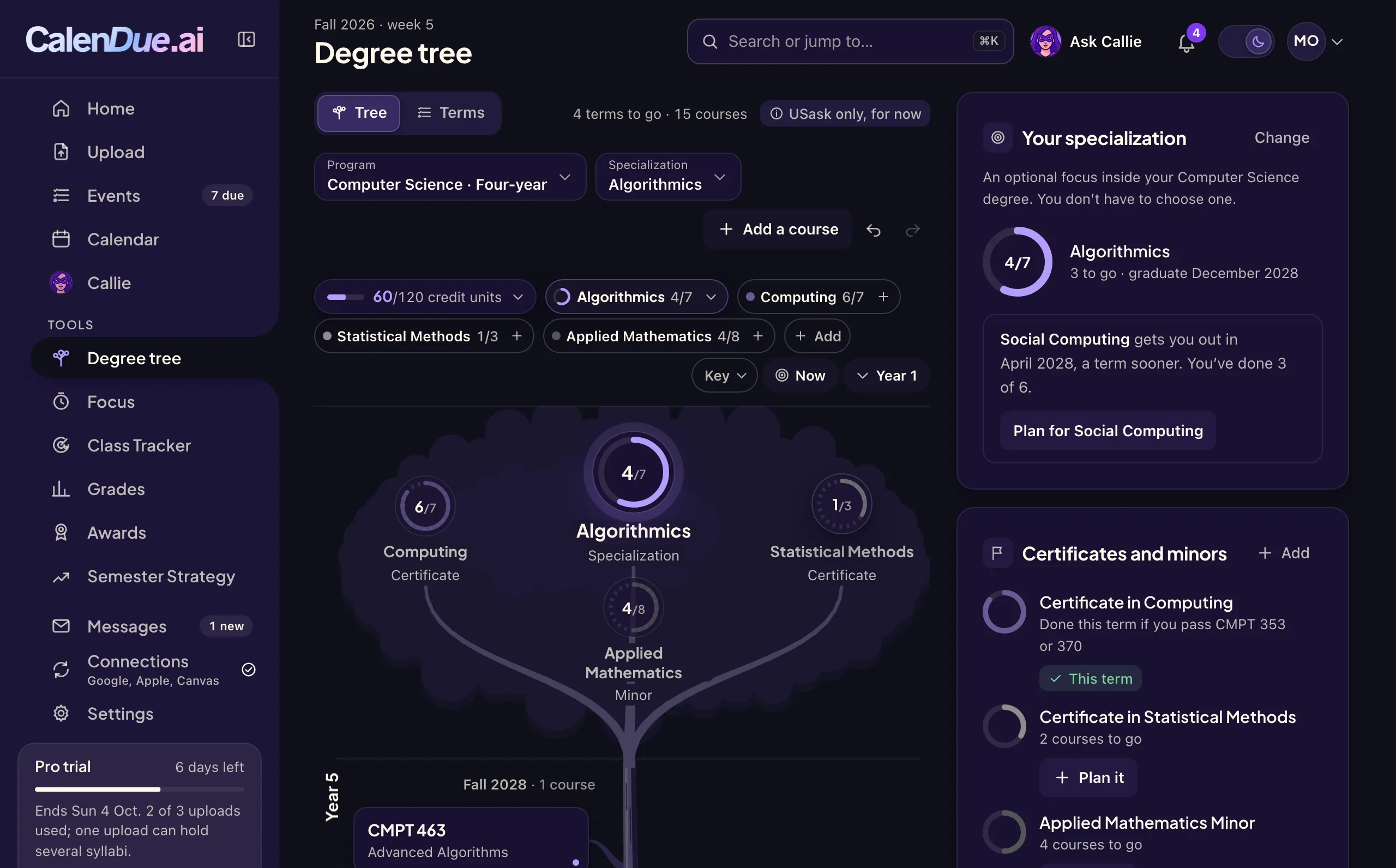
Latest feature Degree tree
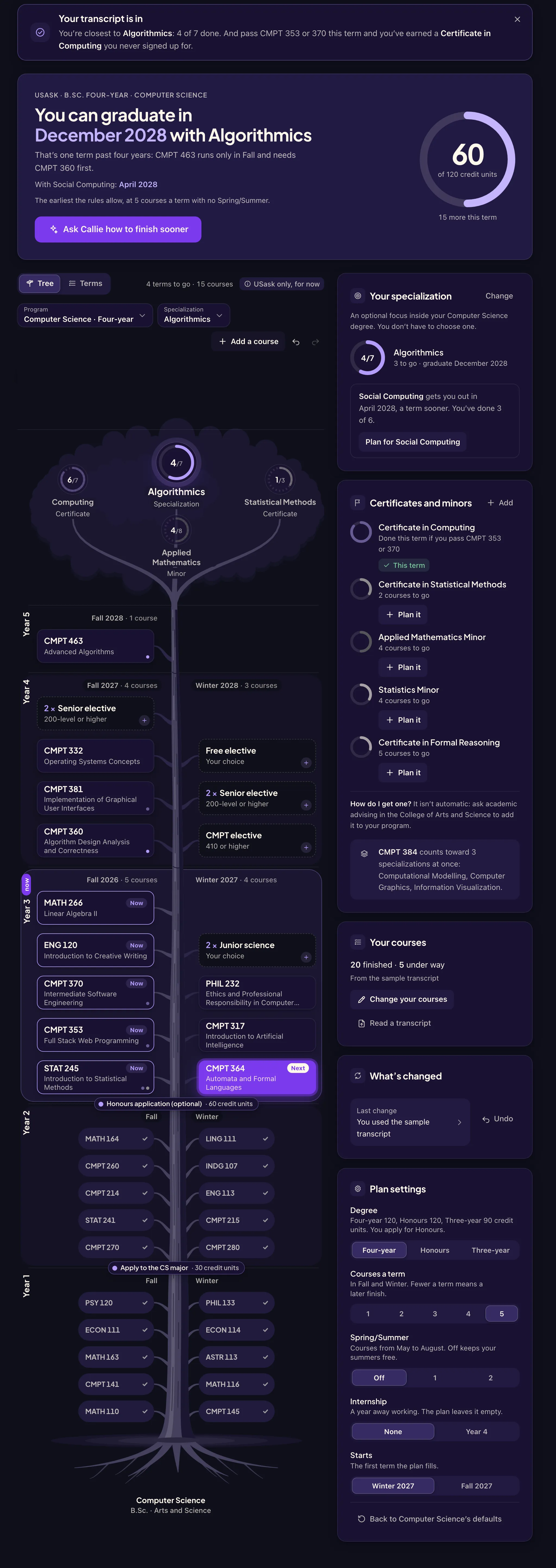
With CalenDue Pro, upload your unofficial transcript from PAWS or add your courses by hand, and see every term to graduation.
USask only for now. Other schools are on the way; everything else in CalenDue works with any school’s syllabi.
Latest feature Degree tree
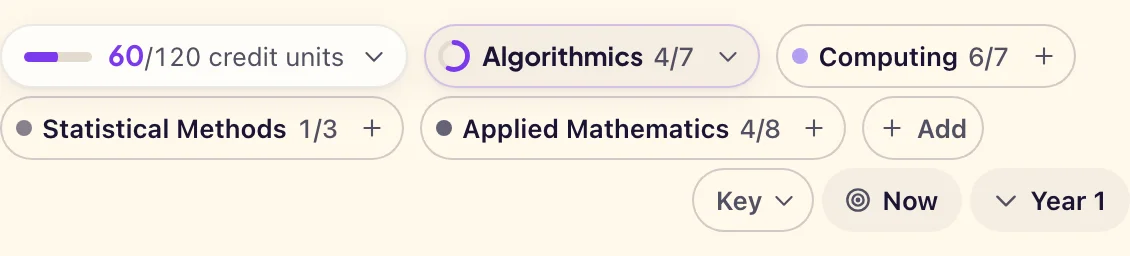
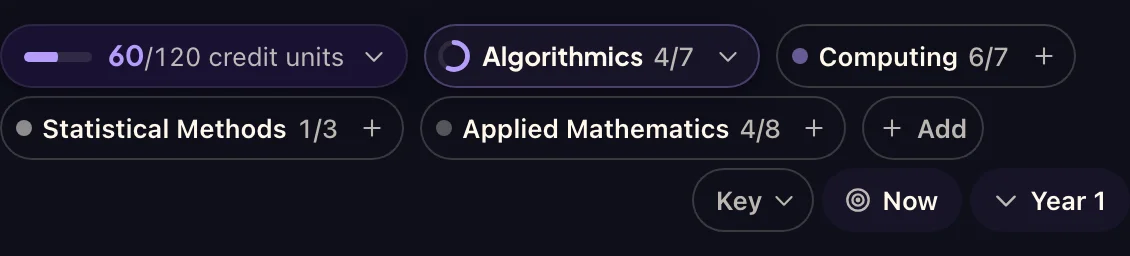
CalenDue plans every remaining term under your program’s real rules: prerequisites, when each course runs, and your course load. It also finds the specialization, certificate or minor you’re closest to.
Drop in the PDF or Word file from each course, or paste the text. Each syllabus is one upload.
Every assignment, quiz, lab and exam, with its date, weight and the page it came from. Anything unclear is marked for you to check.
Add everything to Google Calendar or Apple Calendar in one go, with the reminders you choose.
Callie reads the syllabi you’ve uploaded, your calendar and your marks. Every answer names the file and page it came from, so you can check before you act on it.
Your syllabi already hold every weight. Enter your marks as they come back and CalenDue keeps a running grade for each course, then works out what the final has to be for the grade you want.
See which weeks are heaviest before they arrive. CalenDue finds the exam clusters in your term and suggests when to start each one, then reserves study blocks on your calendar if you want them.
A study timer tied to what’s due, with a log of every session and your hours for the week.
Watch a full section and see when a seat opens. Registering still happens in PAWS; CalenDue takes you there.
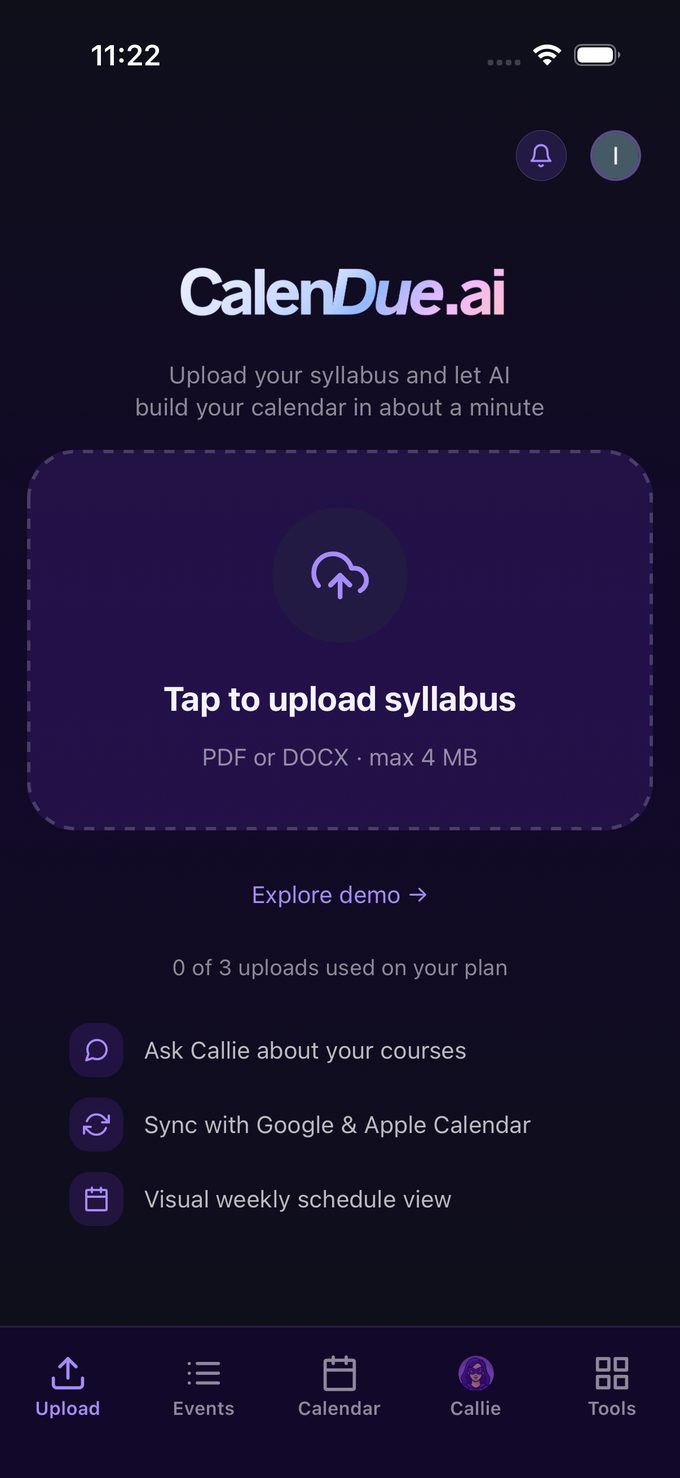
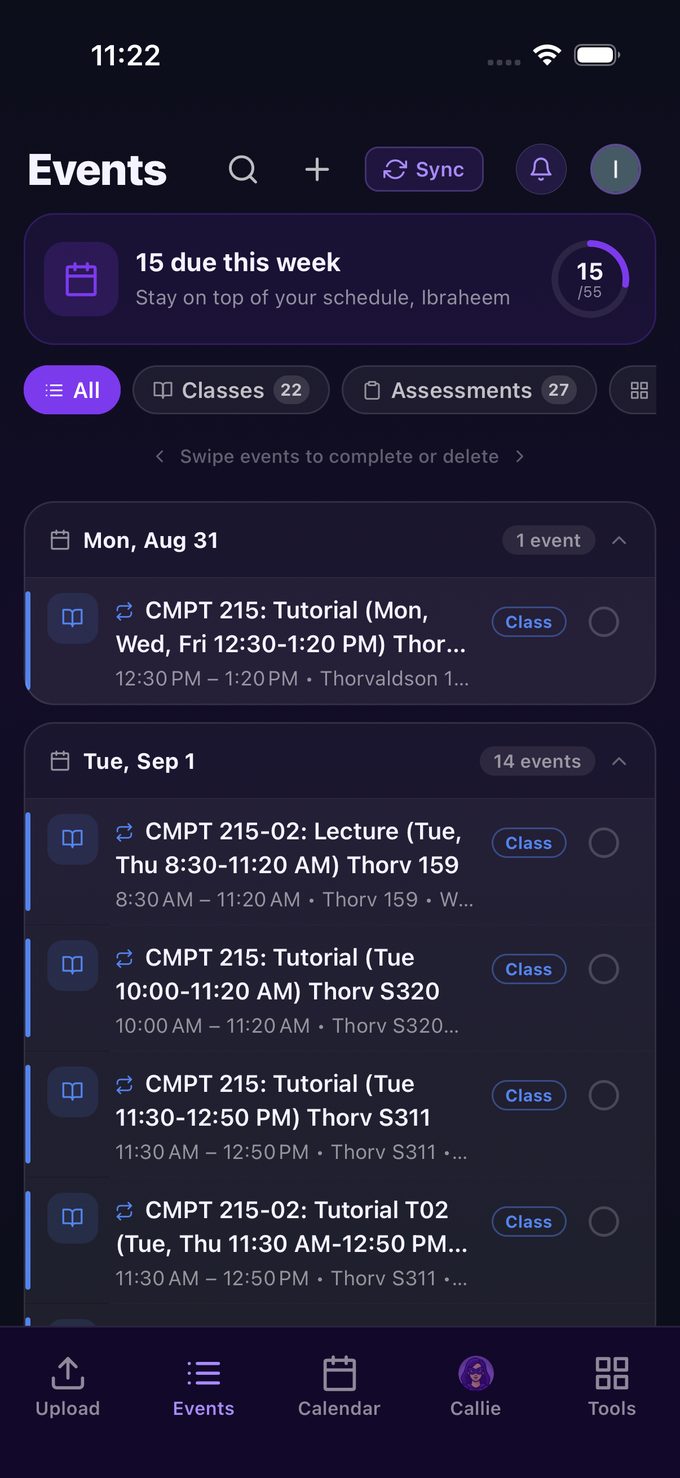
Upload a syllabus from your phone, check your week between classes, and ask Callie about a deadline. These are real screens from the iPhone app.


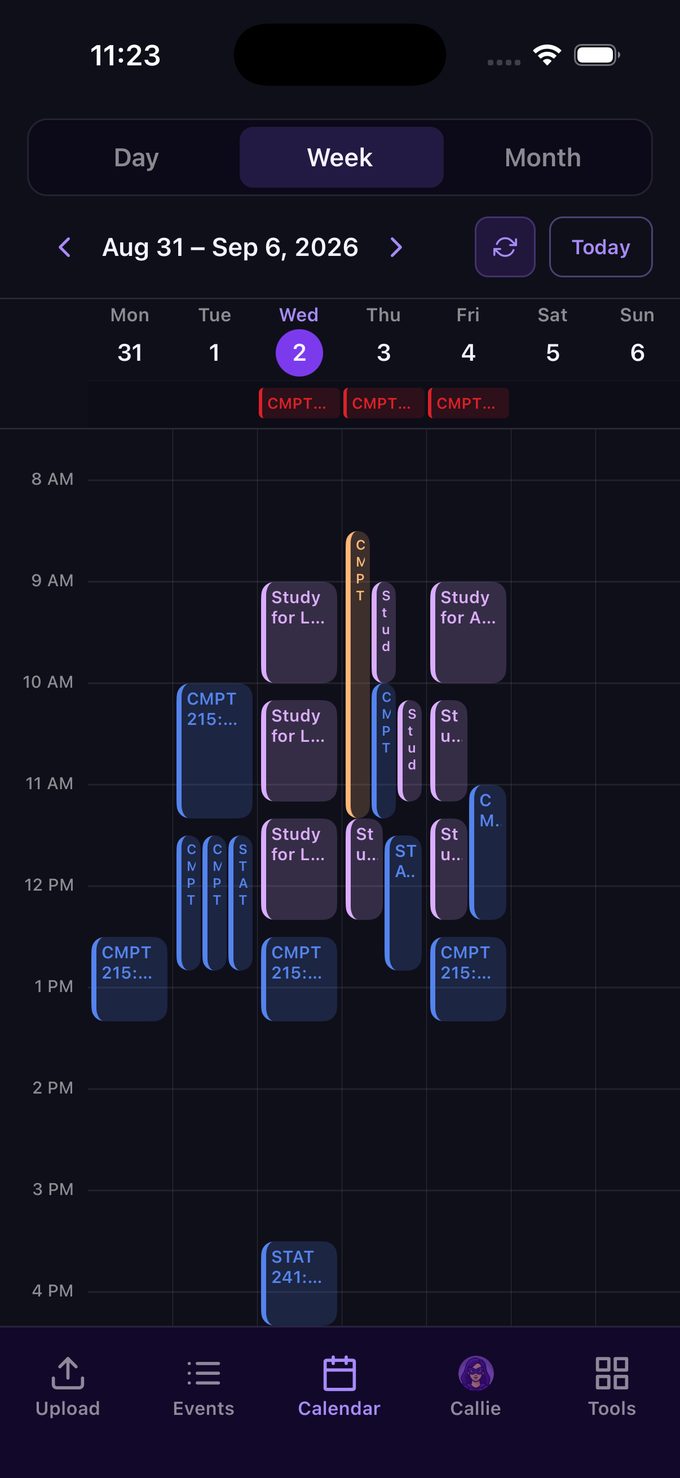
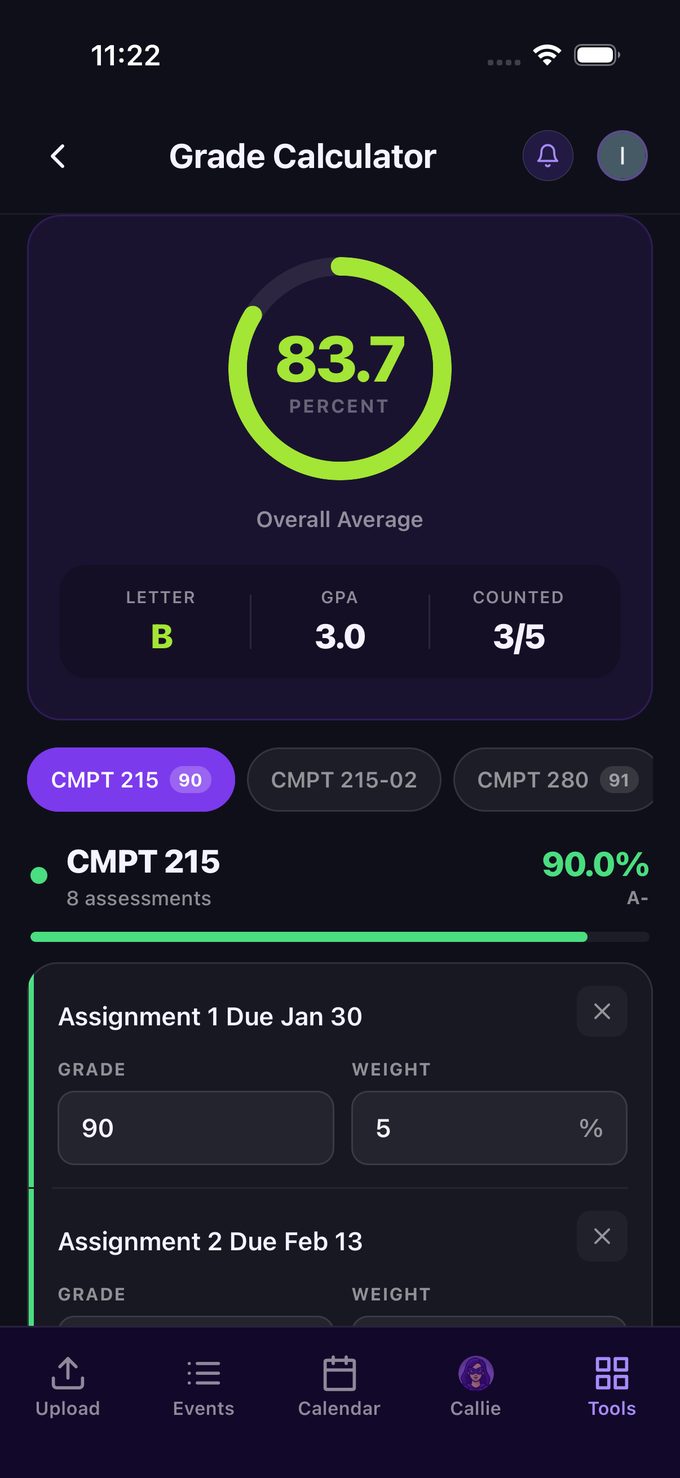
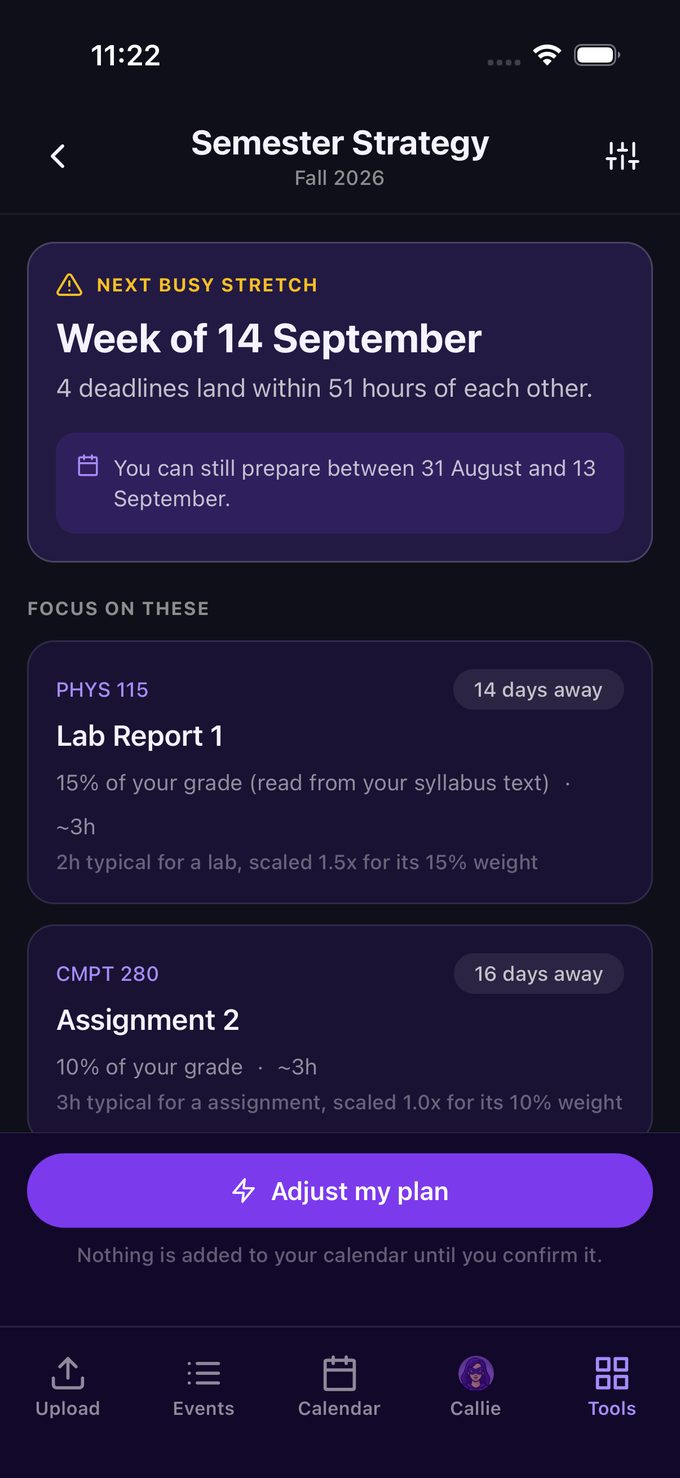
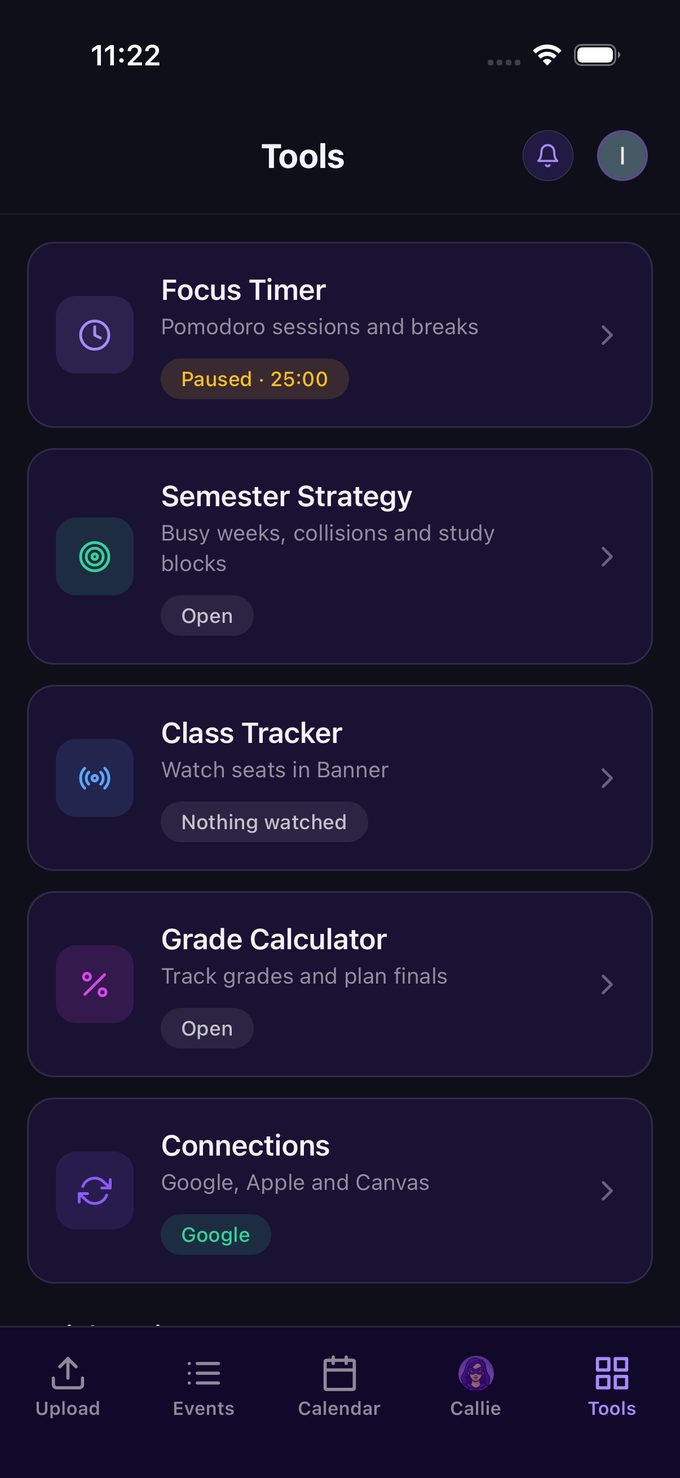
CalenDue is built by students who use it. Here is what we do with your data, in plain words.
Read our privacy policyYour files, events and marks stay private to your account. We don’t sell your files or use your course content for advertising.
Remove a syllabus or an event whenever you like, or delete your whole account from Settings.
Export your calendar as .ics, your events as .csv, or everything as .json.
CalenDue reads your Canvas feed and never writes back. Google Calendar access follows Google’s API Services User Data Policy, including its Limited Use requirements.
We’re four Computer Science students at USask. Every term we spent hours copying deadlines out of our syllabi and into our calendars, so we built CalenDue to do it for us. It worked so well that we’re sharing it, and we hope it helps you the way it helps us.
 WinnerCo.Hack 2025
 2nd placeUXCO design showcase
Every way to pay is all of CalenDue Pro: 15 syllabus uploads, calendar sync, Callie, Grades and the Degree tree.
Something else? Email calendue.dev@gmail.com and one of us will answer.
Google Calendar and Apple Calendar (iCloud), or any calendar that opens an .ics file. Canvas comes in as a feed: CalenDue reads your course calendar and never writes anything back to Canvas.
PDF, Word and plain-text syllabi, or paste the text. You can also paste your exam timetable from PAWS to place every final.
Yes. Everything found appears in a review first, with the syllabus page it came from. Anything the syllabus leaves unclear is marked “Check this”. Edit, accept or remove items before you send them.
Reading syllabi, calendar sync, Callie, Grades and Focus work with any school’s syllabi. The Degree tree and Class Tracker cover the University of Saskatchewan for now.
Callie answers from your own syllabi, calendar and marks, and every answer names the page it came from. If something isn’t in your syllabus, she says so and tells you who to ask.
Email calendue.dev@gmail.com, or write to us from the contact page on calendue.ai.

Upload your first syllabus, check every date CalenDue finds, then send them all to your calendar.
10 days free, starting with your first upload. No card needed.